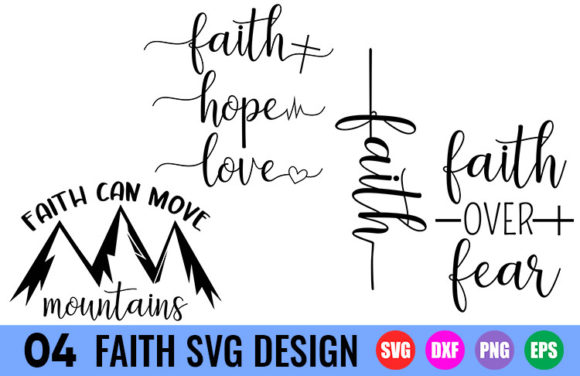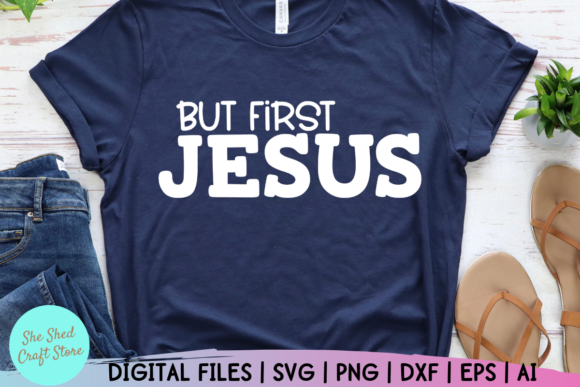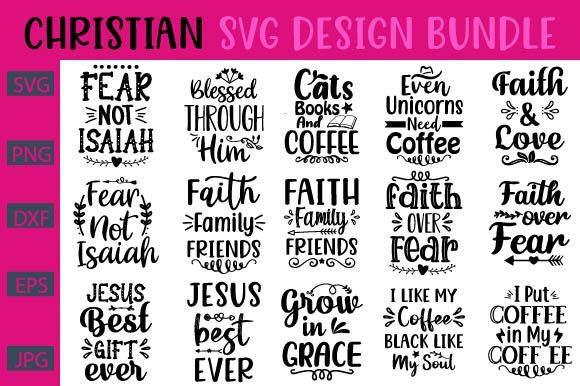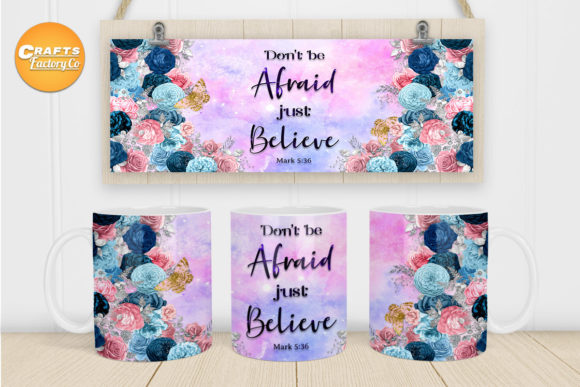
Hand Lettered Christian Sign SVG: Choosing the Right Design for Your Projects
Hand-lettered Christian signs bring warmth, faith, and personality to everything from Sunday school handouts to coffee mug designs. The SVG format makes these designs scalable and versatile—perfect for cutting machines, digital planners, or print-on-demand products. But not all hand lettered Christian sign SVG files are created equal. Many well-intentioned creators end up with designs that look pixelated, fail to cut cleanly, or include prohibited elements. Understanding what separates a usable file from a frustrating one can save hours of rework and dashed expectations.
Understanding Hand Lettered Christian Sign SVG and Its Appeal
An SVG (Scalable Vector Graphic) file uses mathematical paths instead of pixels, so it scales to any size without losing detail. When combined with hand-lettered typography and Christian motifs—crosses, Bible verses, dove imagery, “faith” or “grace” wording—you get a design that feels personal and professional. The appeal lies in its flexibility: you can resize it for a vinyl decal on a laptop or blow it up for a large wall canvas, all from one file. This is why many makers, small business owners, and church volunteers gravitate toward these files.
Ignoring Licensing Terms
A frequent oversight involves assuming that purchasing a digital file grants unlimited commercial use. Many designers offer personal-use-only licenses, while others limit sales to physical products under a certain quantity. Using a hand lettered Christian sign SVG in a branded product line or on an Etsy shop without checking the license can lead to copyright disputes or lost revenue. Always read the fine print: look for phrases like “commercial use allowed,” “no redistribution,” or “PNG-only for POD.” A quick scan of the product description or terms page takes thirty seconds and prevents months of trouble.
Overlooking File Complexity and Layering
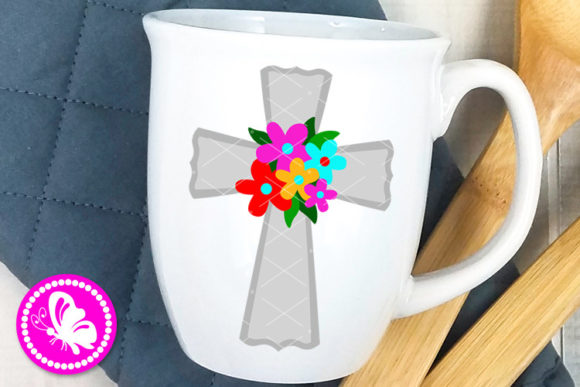
Hand-lettered designs often include overlapping strokes, flourishes, or double outlines. While these look beautiful on screen, they can cause cutting machines to misread paths or create unattractive overlapping cuts. For example, a cross with intricate vines might have several hundred nodes, leading to jagged edges or long cut times. Simpler, well-structured SVGs with clean single paths produce better results. Test a free sample or preview the cut lines before committing to a large project.
Choosing the Wrong Font Style for the Application
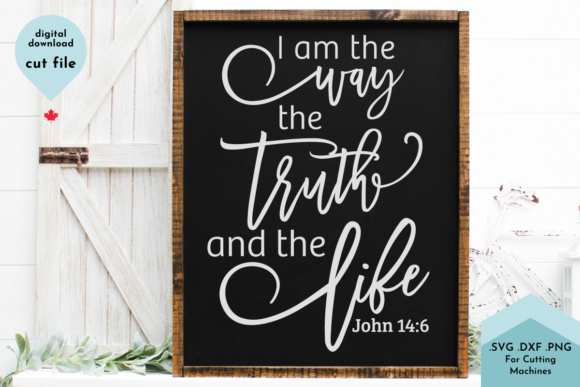
One mistake we see repeatedly is assuming any hand-lettered style works on any surface. A delicate script with thin strokes may look elegant on a greeting card but will become nearly invisible on a dark T-shirt or when cut from vinyl. Christian sign SVGs that rely heavily on fine hairlines or excessive flourishes lose legibility when scaled down. Conversely, heavy brush lettering can overwhelm a small notebook cover. Match the stroke weight and letter spacing to the medium—always preview at the intended final size on the actual material if possible.
Neglecting Color Contrast and Background Compatibility
Hand lettered Christian sign SVG files often come as monochrome black or white designs. That is fine for cutting machines but problematic for digital use if the colors clash with your background. A black cross on a dark wood background disappears. Worse, some SVG files include embedded strokes or fills that do not align with the intended background. Before buying, check if the seller provides multiple color options or a transparent background preview. For digital planners or websites, consider requesting a version with contrasting outlines or a shadow layer to improve readability.
How to Avoid Mistakes and Get the Best Results
The easiest way to sidestep these pitfalls is to think like a developer, not just a designer. Start by examining the file in an SVG editor or free online viewer before you purchase. Check for unclosed paths, excessive anchor points, or stray nodes that could disrupt your project. Many experienced users keep a “test file” folder: they import a new SVG, scale it up and down, and simulate a cut or print preview. If the design holds together, it is safe to use.
Another practical step is to verify the file format compatibility with your specific software or machine. Cricut Design Space, Silhouette Studio, and Adobe Illustrator each handle SVG attributes differently. What looks perfect in Illustrator might appear with a missing tail or mangled loop in Design Space. Download a sample from the artist, import it into your program, and look for distortions. Reputable sellers often offer a help guide or customer support if issues arise.
When using hand lettered Christian sign SVGs for commercial products like gift tags or framed prints, keep records of the license details. Take a screenshot or bookmark the terms page. That way, if you later expand your product line, you can confirm whether your usage remains within the license boundaries. For small businesses, this simple habit protects against accidental infringement.
What to Check Before You Download or Purchase
Before hitting “add to cart,” run through a brief checklist. Verify that the file includes a transparent or solid background as needed. Confirm the resolution is appropriate—SVGs are vector-based, but some files include embedded raster textures that limit scaling. Look at the customer reviews specifically for comments about ease of use, cut quality, and whether the design matches the description. Hand-lettered styles vary widely; what one seller calls “rustic” may be too rough for a polished brand identity.
Also examine the number of elements in the file. A single hand lettered Christian sign SVG might contain separate layers for text, cross, and decorative elements. That is helpful if you want to change colors or rearrange parts, but it can complicate cutting if each layer has hidden outlines. Ask the seller if the file comes with grouped layers or offset paths suitable for vinyl cutting. Many top sellers now offer a “cut-ready” version alongside a print version—a small distinction that saves hours of manual cleanup.
Finally, consider the overall design from a communication perspective. A hand lettered Christian sign is meant to convey a message of faith, hope, or encouragement. If the lettering is overly stylized, difficult to read, or uses an ambiguous layout (e.g., vertical stacking that obscures words), it may not communicate effectively in a busy magazine ad or a quick glance at a store display. Show the design to someone unfamiliar with it and ask what they read first. If they hesitate, the layout might need simplification.
Practical example: A small business owner wanted to create faith-themed tote bags for a church fundraiser. She purchased a hand lettered Christian sign SVG with “He Leads Me” in a flowing script overlaid on a shepherd’s crook. In the preview, it looked beautiful. But when she cut it on heat transfer vinyl, the thin parts of the “d” and “s” broke apart during weeding. After switching to a bolder, slightly larger version of the same design, the letters transferred cleanly and the project succeeded. The difference was not in the concept but in the stroke width and node count.
Your choice of a hand lettered Christian sign SVG directly affects the final quality, durability, and message clarity of whatever you create. By checking the license, assessing the file complexity, matching the style to your medium, and testing readability on different backgrounds, you turn a simple download into a reliable resource. Whether you are a hobbyist making gifts for a Bible study group or a designer launching a faith-based product line, spending a few extra minutes upfront ensures your project reflects the care you put into it.
Hand-lettered designs already carry a sense of intention and authenticity—do not let technical oversights undermine that. With the right preparation, every cross, verse, or word becomes a seamless part of your work, ready to resonate with the audience you intend to reach.